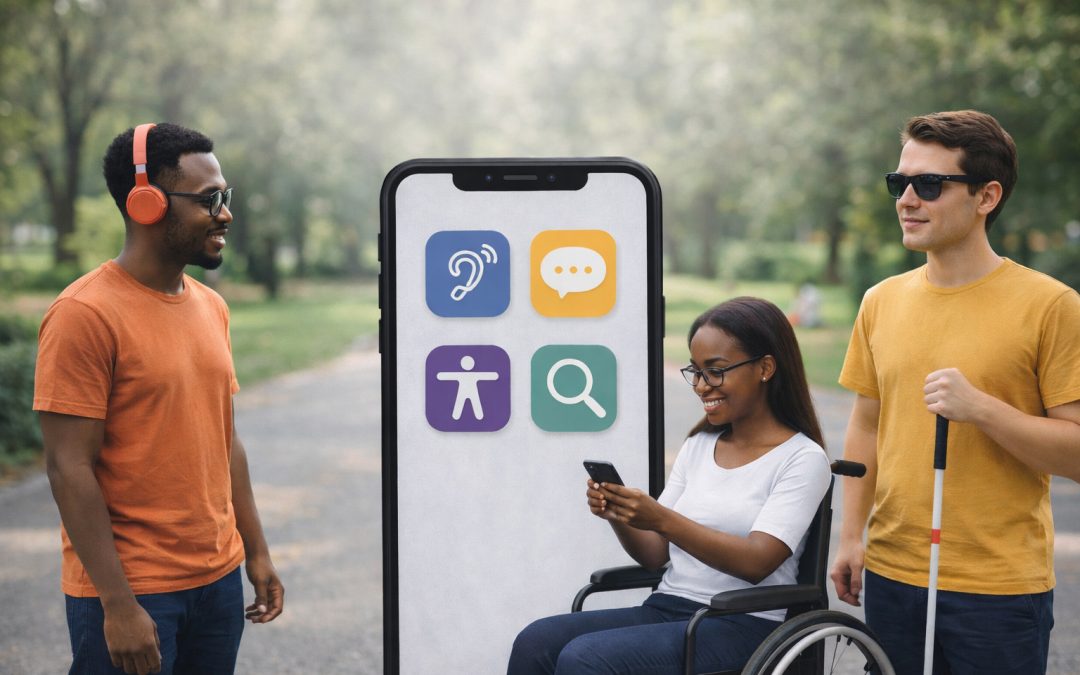
We at Appdigitally understand the profound impact smartphone app accessibility has on users worldwide. By enhancing app features, we can significantly improve the experience for individuals with disabilities. Moreover, adhering to legal standards and recognizing accessibility’s broader benefits is essential for developers and designers.
This blog post aims to guide you through the key aspects of creating accessible smartphone apps, underline its importance, and shed light on designing with inclusivity in mind.
Making Apps Accessible
Creating accessible smartphone apps is more than a noble goal—it’s a necessity that impacts users, fulfills legal obligations, and provides benefits that extend beyond those with disabilities.
Accessibility influences how users with disabilities interact with technology. For individuals with visual impairments, features like text-to-speech and high-contrast modes transform the app experience from frustrating to functional. For those with motor difficulties, simplified gestures and voice controls can make navigation possible. Offering these features isn’t just about inclusivity; it’s about providing equal access to technology that others take for granted.
Legally, the conversation around app accessibility has become louder, underscored by guidelines like the Americans with Disabilities Act (ADA) and the Web Content Accessibility Guidelines (WCAG). These aren’t just recommendations; they’re standards that outline clear expectations for digital inclusiveness. Neglecting these can lead not only to a poor user experience but also to legal ramifications.
But the perks of designing accessible apps extend well beyond compliance. Accessibility improves the overall user experience, potentially increasing your app’s market reach. Consider this: around 15% of the world’s population lives with some form of disability. Ignoring accessibility means missing out on a significant portion of potential users. Moreover, features designed for accessibility often enhance the app experience for all users. For instance, subtitles not only assist those with hearing impairments but are also a boon in noisy environments where audio cannot be heard.

So, how can developers and designers build more accessible apps? Here are a few actionable tips:
-
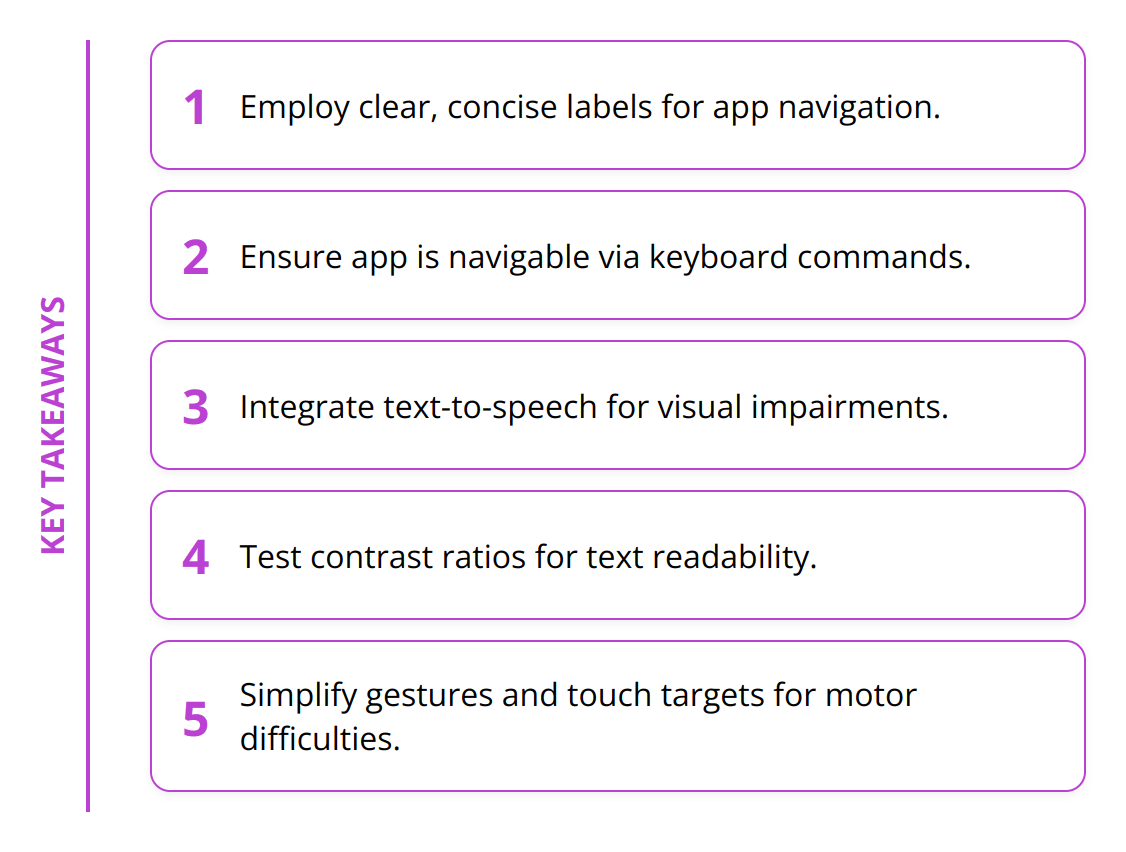
Employ clear, concise labels for buttons and actions.
-
Ensure your app is navigable via keyboard commands for those unable to use traditional touch controls.
-
Integrate text-to-speech for users with visual impairments.
-
Test contrast ratios to make text readable against its background for users with low vision.
-
Simplify gestures and touch targets to accommodate users with limited motor skills.

App accessibility is not just about ticking boxes for compliance; it’s about widening your app’s reach and ensuring it can be used by everyone, thereby enhancing the user experience across the board. By focusing on these practical aspects, we can make our apps more inclusive and accessible to all users.
For more insights on creating inclusive apps, explore our detailed guide on designing with inclusivity in mind.
Enhancing App Accessibility
In the journey towards creating fully accessible smartphone apps, embracing certain features is non-negotiable. These include support for screen readers like VoiceOver for iOS and TalkBack for Android, adaptable text sizes, and high-contrast options. A straightforward navigation and a clear interface are just as important. By prioritizing these elements, developers can significantly improve the usability of their apps for individuals with disabilities.
VoiceOver and TalkBack are integral for users with visual impairments, enabling them to interact with their devices in ways that would otherwise not be possible. Implementing support for these screen readers involves tagging UI elements with descriptive labels and ensuring that all interactive elements are accessible and announced correctly.
Adapting text size and providing contrast options are essential for users with varying degrees of visual impairment. Many users benefit from being able to increase text size without losing content or functionality. Similarly, high contrast modes help users distinguish text and UI elements, making navigation easier.
Simplifying navigation and maintaining a clear interface not only benefits users with motor or cognitive disabilities but also enhances the overall user experience. A clear, consistent layout with predictable interactions can significantly reduce user frustration and increase app retention rates.

To make these improvements tangible, consider the following strategies:
-
Use semantic markup for screen reading technology.
-
Test your app with actual devices using both VoiceOver and TalkBack.
-
Offer settings within the app to adjust text sizes and color contrasts.
-
Regularly update and audit your app to ensure accessibility standards are met.
In summary, building accessible smartphone apps is not an option but a necessity. By incorporating features like screen reader support, customizable text sizes, and high-contrast options, alongside simplifying navigation, developers can ensure their apps are usable and inclusive.
For further insights on enhancing the user experience, explore our guide on mobile UX best practices.
How to Ensure Accessibility?
Designing for accessibility in the app development process is imperative for reaching a broader audience and providing an enhanced user experience. It’s not just about following guidelines but creating an ecosystem within your app that speaks to everyone. The strategies outlined below can help transform the accessibility landscape of your application, making it a tool accessible by people from all walks of life.
Inclusive User Testing
One of the most effective ways to ensure your app’s features are accessible is to involve users with disabilities in the testing phase. Their firsthand experience can provide invaluable insights into potential challenges within your app that you might not have anticipated. Here are some actionable steps:
-
Organize testing sessions with a diverse group.
-
Focus on common accessibility issues like navigability with screen readers.
-
Incorporate feedback directly into the design and development process.
Real user testing underscores the necessity of seeing through the lens of those with varied abilities. By doing so, developers and designers can anticipate and solve problems before they lead to user dissatisfaction or, worse, abandonment of the app.
Utilizing Accessibility Guidelines and Tools
Leveraging existing accessibility guidelines and tools is critical for developers aiming to enhance their app’s accessibility. The WCAG and the ADA provide a solid foundation, but how do you implement their standards effectively? Begin with these steps:
-
Conduct a review of your app against WCAG standards.
-
Use tools like WAVE for automated accessibility checks.
-
Implement UI components that are recognized by screen readers and other assistive technologies.
Furthermore, platforms like VoiceOver and TalkBack offer developers the opportunity to understand how their apps are experienced by users with visual impairments. Leveraging these tools not only aids in meeting legal requirements but also plays a critical role in making your app more inclusive.

Continuous Improvement and Updates
Accessibility should not be viewed as a one-time effort but as an ongoing commitment. Technology evolves, and so do the needs and expectations of users. Here’s a concise plan to stay ahead:
-
Regularly update your app to address new accessibility concerns.
-
Keep abreast of changes in accessibility laws and standards.
-
Involve users in a continuous feedback loop to identify areas for improvement.
By treating accessibility as a vital component of your development process, you encourage a culture of inclusiveness. This not only benefits users with disabilities but enhances the app experience for everyone.
In conclusion, building an accessible app is a journey that requires dedication, understanding, and a proactive approach. Incorporating inclusive user testing, adhering to established guidelines and tools, and committing to continuous improvement will set your app apart, making it a valuable tool for all users.
Wrapping Up
As we reach the conclusion of our journey through the essentials of smartphone app accessibility, it’s clear that the role of developers and designers is pivotal. These professionals are the architects of digital experiences, shaping how users interact with technology on a daily basis. Their commitment to inclusivity can bridge gaps, opening up a world of possibilities for individuals with disabilities. By adopting comprehensive accessibility practices, we not only comply with legal standards but also embrace the broader benefits of creating more inclusive technology.
At Appdigitally, our dedication to crafting accessible apps is unwavering. With over 15 years of experience in app development, we understand the nuances of creating apps that resonate with diverse audiences. Our team excels in incorporating accessibility into the DNA of each project, ensuring that every app we develop is not just a technological advancement but a step forward in creating an inclusive digital ecosystem. We invite you to explore how our expertise can revolutionize your app’s impact.
Encouraging the adoption of accessibility practices is not just about improving user experience; it’s about advocating for a world where technology is accessible to everyone, regardless of their abilities. As we look forward to more inclusive technology, we see a future where every app development project begins with accessibility in mind, setting a new standard for digital innovation.
In summary, the journey towards creating accessible smartphone apps is ongoing. Continuous learning, dedication to best practices, and a commitment to inclusivity are critical. By prioritizing accessibility, we not only open our apps to a wider audience but also contribute to a more inclusive society. Let’s continue to push the boundaries, making every app we develop a testament to our commitment to accessibility and inclusivity.